





DG Passports says digitisation efforts aim to make services faster, easier, and error-free
Fingerprint issues for online passport applicants resolved with new verification system
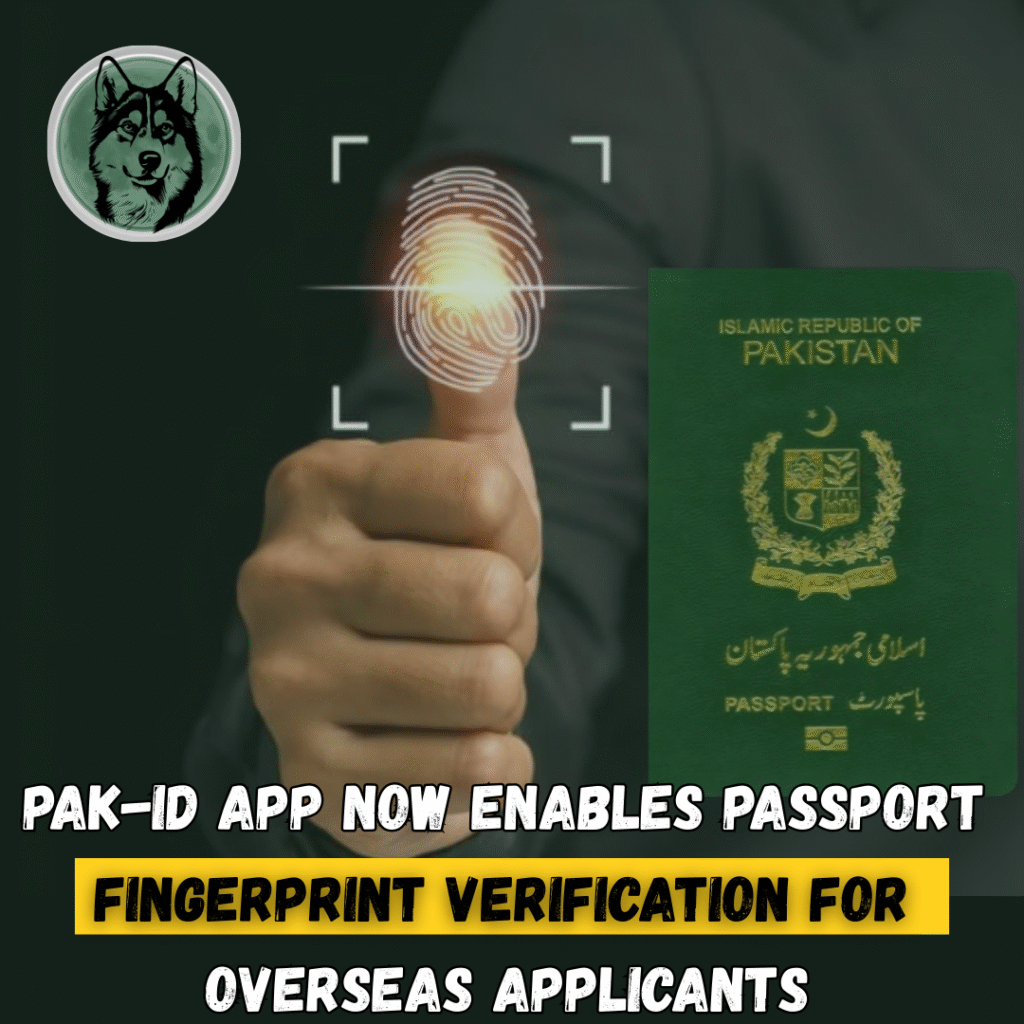
The Directorate General of Immigration & Passports (DGIP) has launched a new online biometric verification system that allows applicants — especially overseas Pakistanis, to verify their fingerprints directly through NADRA’s Pak-ID mobile app.
According to DG Passports Mustafa Jamal Qazi, the upgrade resolves longstanding technical problems that caused fingerprint mismatches and verification failures on the online passport system.
Why the change was needed
For months, overseas Pakistanis had been reporting frequent biometric failures, preventing them from completing their online passport renewal. The new integration with Pak-ID removes the need for external biometric devices or embassy visits, making the process fully digital.
Senior citizens who often face fingerprint clarity issues are also expected to benefit significantly from the updated system.
What’s new in the system?
Fingerprint verification through Pak-ID app
Applicants now record their fingerprints using the camera-based scanning tool inside NADRA’s Pak-ID app.
Facial verification as backup
If fingerprints cannot be captured or match errors persist, the system offers facial verification as an alternative.
Automatic update on DGIP portal
Once biometric verification is completed within the Pak-ID app, the DGIP portal automatically updates the status, enabling users to continue with fee payment and final submission.
How to verify fingerprints for online passport applications
Here is the complete, step-by-step process announced by the department:
1. Start your online application
- Log in to the DGIP e-Services portal.
- Begin your passport application.
- At the biometric stage, note the Passport Tracking ID displayed.
2. Open NADRA’s Pak-ID App
- Select “Online Passport” from the menu.
3. Enter credentials
- Provide your CNIC number.
- Enter the Tracking ID to link with DGIP.
4. Capture fingerprints
- Use the app’s fingerprint capture tool to take prints using your phone camera.
5. Use facial verification if needed
- If fingerprint capture fails, select Facial Verification as the alternative method.
6. Automatic DGIP update
- Once verified, the DGIP portal updates your biometric status, allowing you to continue payment and submission without delays.
Government’s push for digitisation
DG Passports stated that the department is actively introducing “every possible modern facility” to ensure smooth, fast, and reliable passport processing.
The integration with Pak-ID is part of a larger digital transformation strategy aimed at making services accessible, remote-friendly, and error-free for millions of citizens.